I recently purchased the new Canon 20D. I love the camera and am very pleased with its 8 MP of resolution. However, I have been curious about the resolution of the new Canon 1DS Mark II, which is a 16MP camera. Good news, you can use Photoshop to piece together a very high resolution image from multiple images. Here is an example image using this technique.
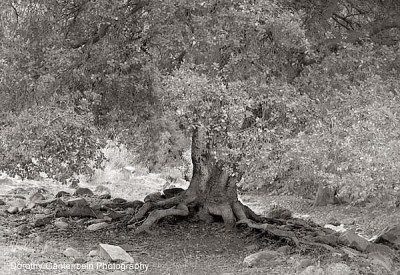
If you want a high resolution horizontal image, then take 3 vertical slices. If you want a high resolution vertical image, then take 3 horizontal shots. When combining the slices, you end up with an image with roughly the same aspect ratio and resolution as a shot from the Canon 1D Mark II. I suggest that you shoot in raw. That way, you can adjust exposure in all 3 images uniformly. Also if you forget to shoot manually and accidentally expose differently between your shots, you can fix it while converting from raw. That never happens to me ;).



Next, I combined my 3 vertical slices into a single shot. I use ArcSoft Panomaker but you could use the photomerge funtion in Photoshop as well. Here is the merged shot. At this point, my image is 4951 x 3408 pixels. The top resolution of the Canon 1DS Mark II is 4932 x 3328. The only downside of the merged shots is that they must be converted to 8 bit color before merging.
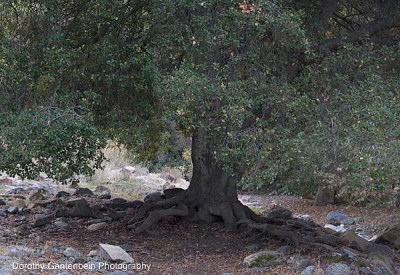
This shot was taken with unflattering light after sundown. I am not a fan of the colors so I will take this shot to black and white. Before converting to black and white, I must optimize the image as much as possible while it is still color. This makes it easier to get a better black and white image. Here is my optimized color image.
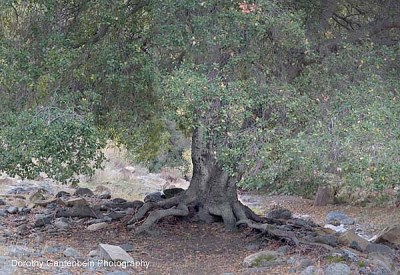
With the color image optimized, I am ready to convert to black and white using the Nik BW conversion filter. For this image, found that maximizing contrast in the light green range gives the best result.
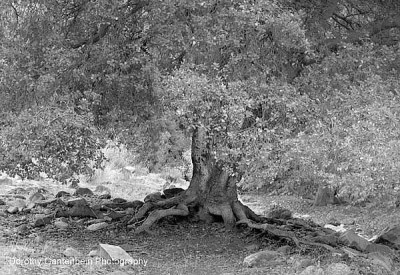
Finally, I liked to tone my black and white images using another Nik filter, Paper Toner. This filter simulates tones from different film printing techniques. The level of detail in this image cannot really be appreciated on the web. I printed at 16″x20″ and easily could have printed twice as big with a phenomenal amount of detail.
There is a variation to this technique that could provide even more resolution. Instead of taking a single row of slices, you can take multiple rows of slices into a single image. This is called ’tiling’. If I get a successful tiled image, I will post it.
 DorothyPhoto