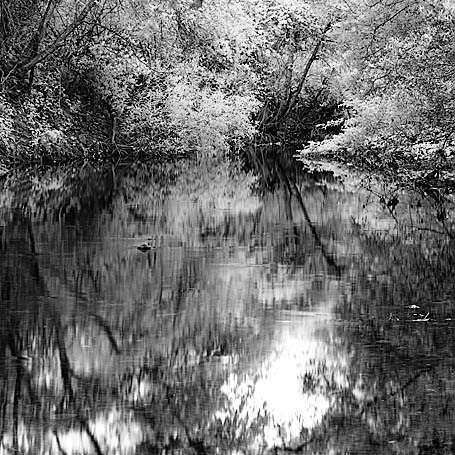
This is another find from the archives. For one thing, I think that cropping can make a huge difference. Also, I think that Pixmantec’s Rawshooter has hugely improved my infrared work. Using Rawshooter, I can get much closer to what I want for the final result. Here are my Rawshooter steps for infrared images…
- First, I need to set the white point because infrared images come out of the camera with a strong magenta cast. I can get my raw files close to neutral. Somewhere between 1800-200K. Photoshop’s camera raw lowest color temperature is 2000K.
- Next, I use auto exposure which gives a good starting point.
- Most infrared images need more contrast so I use the built-in Strong Contrast curve.
- I can fine-tune the shadow and highlight contrast independently. Usually, I add more shadow contrast and less highlight contrast.
- While converting to a 16-bit TIFF, I do raw sharpening. My images enter Photoshop with a nice crisp look without any over-sharpening.
 DorothyPhoto