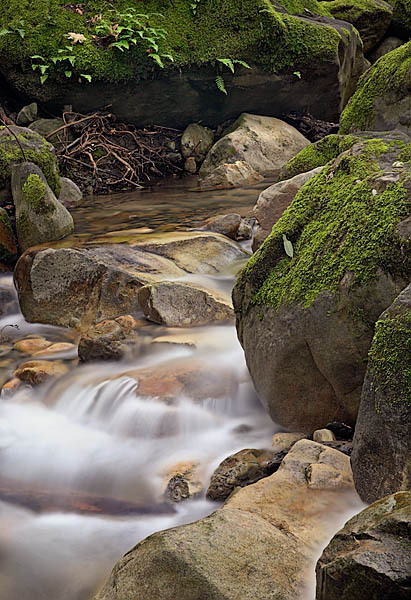
Another shot from Swanson creek from this weekend. In the bottom right, the water is mimicking a sharpening defect. It is actually in the original.
For this shot, I had to light-paint after the fact to open up the heavy shadows in to the top of the image. This is really handy when you are not using flash in the field. In Photoshop, make a duplicate of your flattened image. The image must be in 8-bit color for this filter to work. Select Filter | Render | Lighting Effects. At the top, choose Flashlight from the Style dropdown list. Now, position the center of the flashlight beam where you want. You can size the flashlight beam by grabbing the edges in the preview window and dragging. There are a lot of sliders that you can ignore. You may want to play a little with ambience. This controls how fast the light drops off to black. Click OK.
Now, you have a bright spot in your image fading to black. Add a layer mask to the duplicate layer and fill with black. Take a soft brush with Opacity 50% / Flow %30 and slowly start revealing where you added light. By building the light slowly, you should avoid an obvious edge. If you want a stronger effect keep increasing the Opacity of your brush.
 DorothyPhoto