 |
|
Freeman Patterson’s Garden |
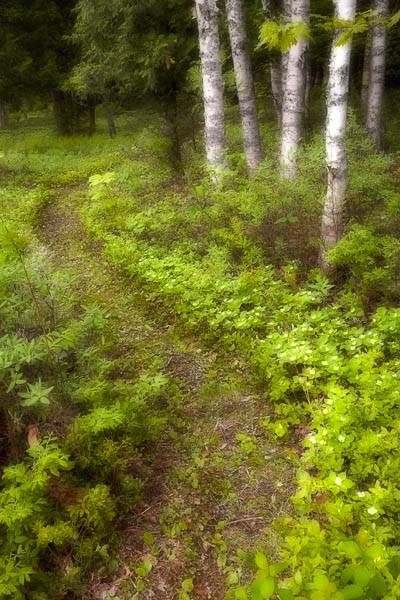
This is another image taken around Freeman’s beautiful gardens. I used the ‘Dreamscape’ technique taught in the workshop. If you are shooting digitally, start with a tripod. Compose your shot. Overexposure by 1/2 stop with a large depth of field. Then, open the lens wide open and over-exposure by 1 stop. Also, de-focus the lens enough where the details are obscured by the main compositional elements are still obvious. Take a second shot. Open the first image in Photoshop. Then, open the second image in Photoshop. Select the Move tool (‘v’ key), hold the Shift key, and drag the second image on top of the first one. Your first image should now have two layers with the out-of-focus layer on top. Change the blending mode to Multiply for the second layer.
If you shoot digitally and use raw files, then you do not need to shoot the second out-of-focus image. Process the first image with an exposure compensation of +1/2. Then, process the raw a second time with an exposure compensation of +1. In the second image, apply a Lens Blur (enough to loose all the smaller details). Change the second layer’s blending mode to Multiply. You may need to do a Level adjustment to taste.
 DorothyPhoto