 |
|
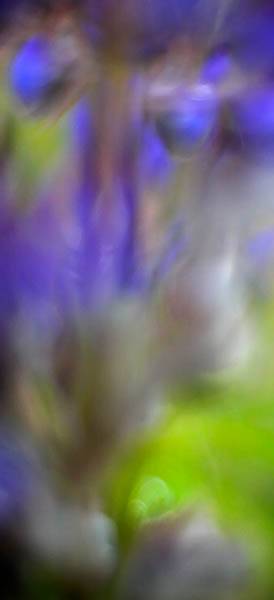
Dancing #4 |
More of my dancing series with focus optional. At this point, it started raining on us but I was on a roll.
|
|
Dancing #4 |
More of my dancing series with focus optional. At this point, it started raining on us but I was on a roll.
 |
|
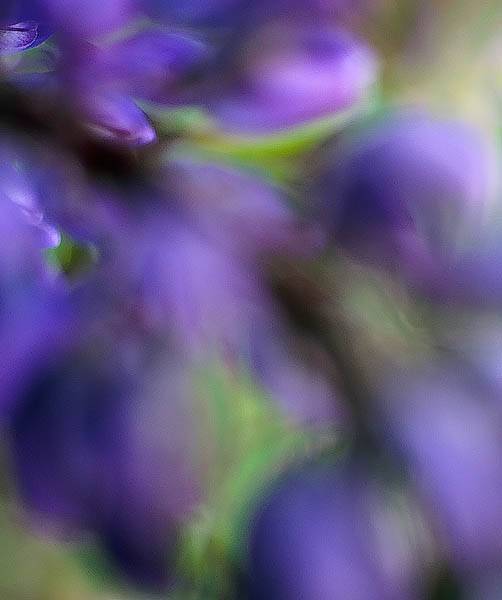
Dancing #3 |
At this point, my inspiration started because I decided that focus was not required. Instead, I just looked for beautiful patterns of colors. How does this relate to dancing? Well, I looked for visual rhythm, repitition and grace.
 |
|
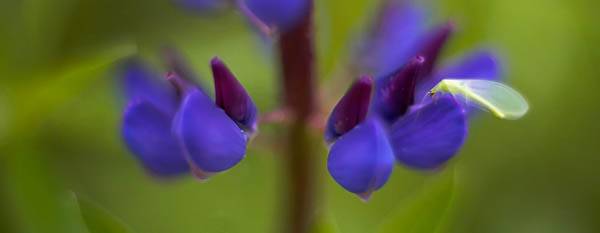
Dancing #2 |
Continuiing with my dancing assignment from the workshop, Bill and I went out and visited the gravel quarry. Right near the entrance was a beautiful stand of lupines (of all different colors). I have never had much success shooting lupine but started working it. This shot was the basis of my inspiration. When I leaned in to get this little bug in focus, I really liked the out-of-focus background. More tomorrow…
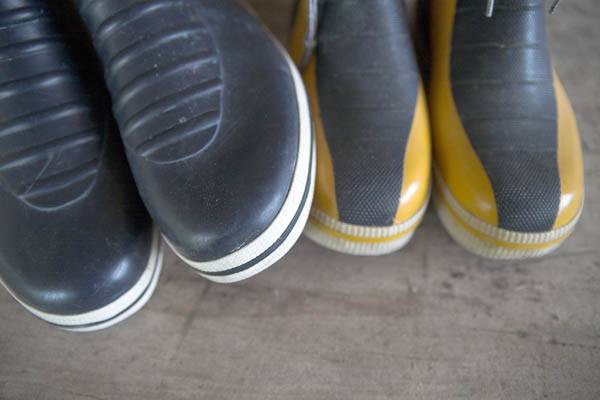
On Thursday afternoon in my workshop, we were given an invididualized assignment. Each assignment must be completed and ready for presentation by 10 am Saturday morning and contain a minimum of 15 images and a maximum of 25 images. Realistically, we all had that evening and Friday to complete our shooting. Because we had lectures and dinners during the afternoon and evening.
My assignment was ‘Dancing’. It could interpret it literally or not. As I pondered what to do, my classmate, Bill, received ‘Heavy Metal’. Since Bill had a car, I suggested that we visit the local gravel quarry to scope out the equipment. Little did I know that the gravel quarry would be my inspiration. This first shot of my series is my most literal interpretation of dancning and is actually the boots of a married couple from the class. Stay tuned and I will post the remaining images in the order of my shooting.
 |
|
Freeman Patterson’s Garden #3 |
Another from my visit to Canada.
 |
|
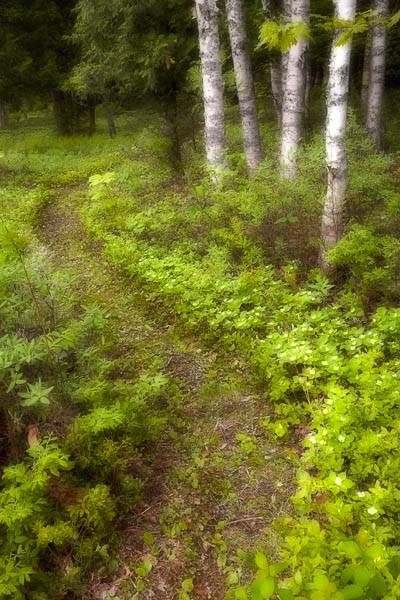
Freeman Patterson’s Garden |
This is another image taken around Freeman’s beautiful gardens. I used the ‘Dreamscape’ technique taught in the workshop. If you are shooting digitally, start with a tripod. Compose your shot. Overexposure by 1/2 stop with a large depth of field. Then, open the lens wide open and over-exposure by 1 stop. Also, de-focus the lens enough where the details are obscured by the main compositional elements are still obvious. Take a second shot. Open the first image in Photoshop. Then, open the second image in Photoshop. Select the Move tool (‘v’ key), hold the Shift key, and drag the second image on top of the first one. Your first image should now have two layers with the out-of-focus layer on top. Change the blending mode to Multiply for the second layer.
If you shoot digitally and use raw files, then you do not need to shoot the second out-of-focus image. Process the first image with an exposure compensation of +1/2. Then, process the raw a second time with an exposure compensation of +1. In the second image, apply a Lens Blur (enough to loose all the smaller details). Change the second layer’s blending mode to Multiply. You may need to do a Level adjustment to taste.
 |
|
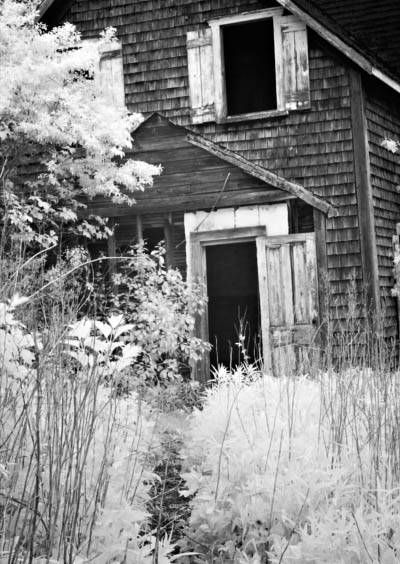
Abandoned Home |
To my surprise, my mother has really responded to the other two Haunted House shots. They remind her of her grandmother’s home in rural Wisconsin. So, I have posted an exterior shot of the home.
 |
|
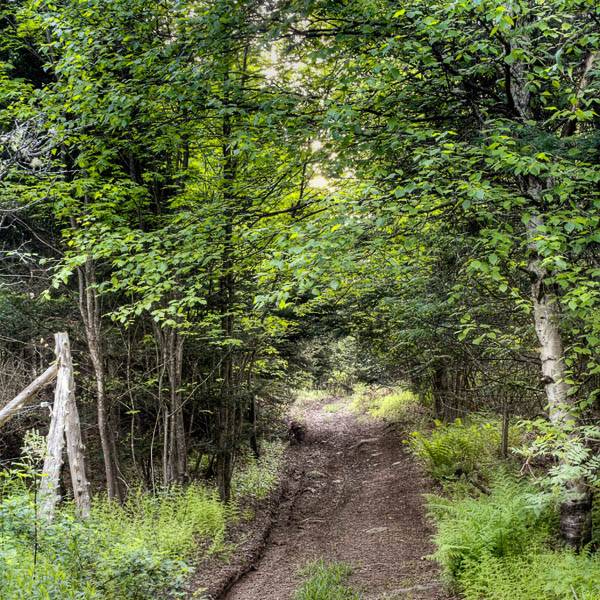
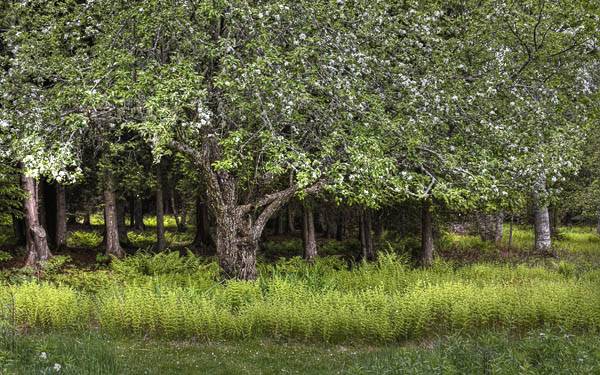
A Walk in the North Woods |
When I arrived in New Brunswick, I was struck by how lovely the scenery was and how much the area reminded of my childhood home in Wisconsin. On the first morning, I wandered down this path in the woods. Emotionally, I enjoyed the woods and realized how much I missed the forests and green-green landscape. Photographically, my eyes were overwhelmed by all the plants and struggled to make a composition.
 |
|
Freeman Patterson’s Garden |
After completing my assignment for the workshop, we were free to wander around Freeman’s beautiful gardens. Although set in Canada, these gardens reminded my of Monet’s gardens at Givenchy. They were his constant source of inspiration.
 |
|
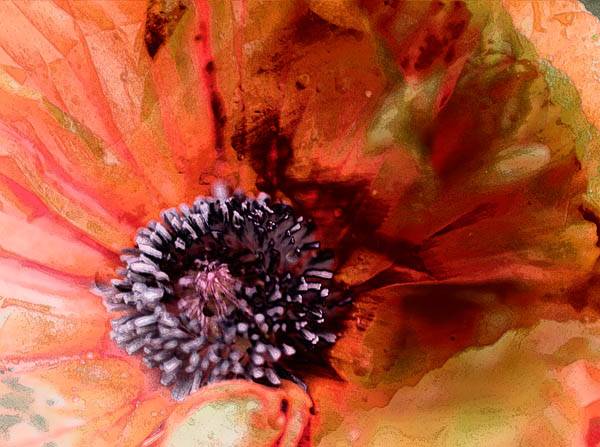
Oriental Poppy |
Just for fun. An oriental poppy and white peony put toegether with a lot of Photoshop filters.
 DorothyPhoto