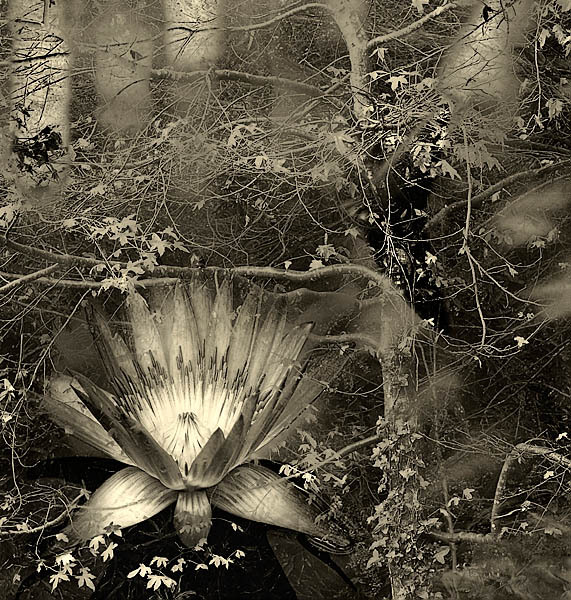
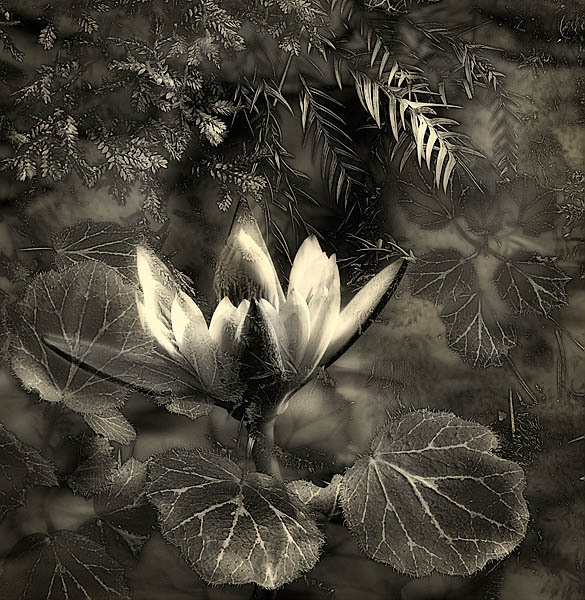
WaterLily and Maple

20060107_conservatory_of_flowers_mg_6671
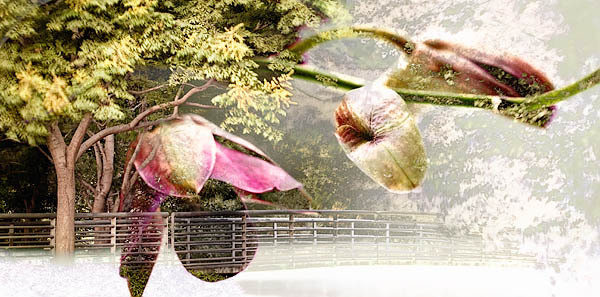
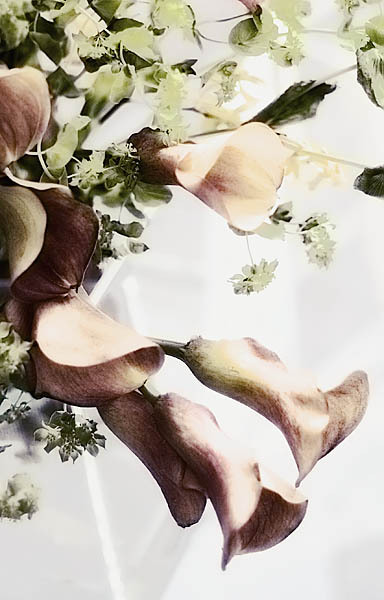
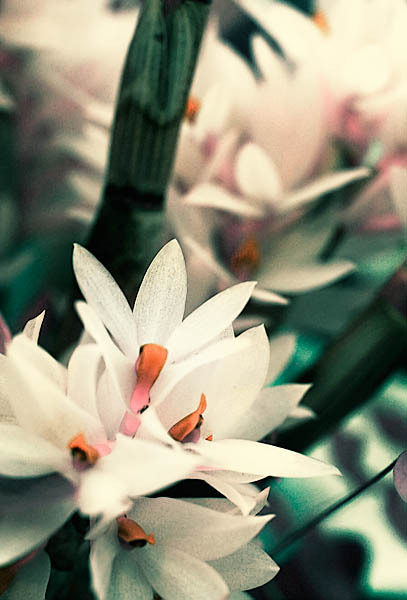
I decided that I liked the ‘grungy’ waterlilies so I made another one tonite. This is a waterlily shot that did not make the cut to post but worked with the struggling maple tree shot from Golden Gate park.

I found Carl Root’s photography on Photo.net. I really like his work particularly the rhythms portfolio. You can view the work here.

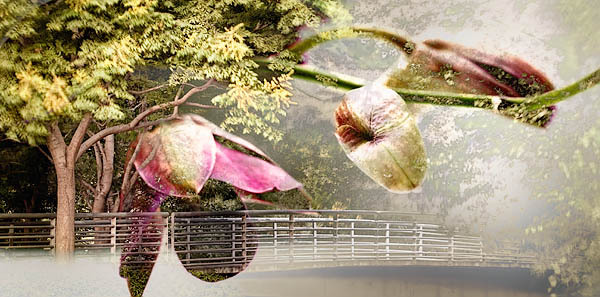
Orchid Bridge – Take II

20050925_san_jose_mg_5103pc2
This is a rework of an earlier image. I was happy with the result but not thrilled. This afternoon, I visited for the first time a group of photographer who meet once a month to review each other’s work. I decided to show this image. One man, Monte Hartman, did a critique and thought this was ‘almost, but not quite’. After a discussion, there was consensus that the lightness in the lower right corner was drawing the eye out of the image. I re-worked a little to darken that area and make the bridge on the right-half stronger. I think this works better. Another suggestion was to mirror the orchid buds and try that as a composite. I kept a layered version but cannot decipher my compositing process enough to redo. Hmmm. Memory is fleeting.

Turns out that Monte has been teaching a composition course for 30 years and has an amazing eye for compositioin. I am taking the class starting on February 9th.
Amazing Circle

20050705_alameda_fair_88c
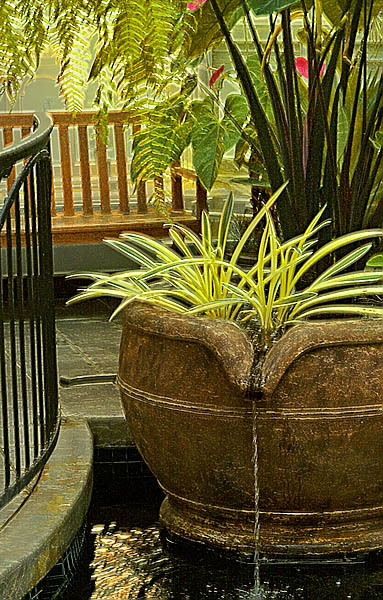
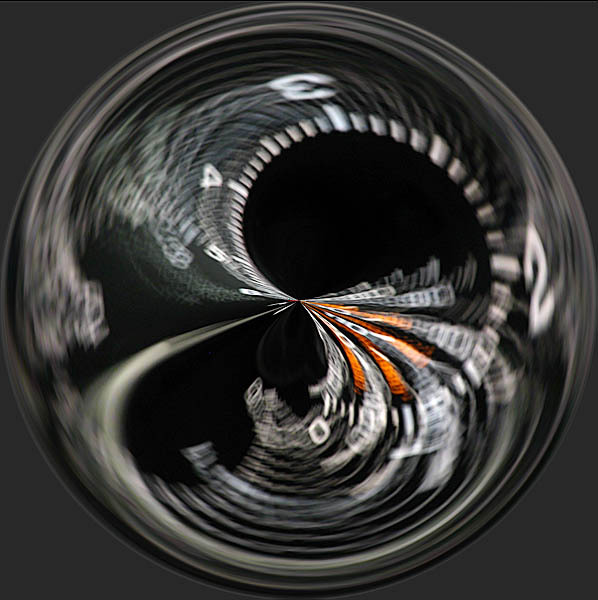
I ran across a fun technique for fiddling an image, called Amazing Circles. This image was made with an variation of this technique that made it into an ellipse. The source image for this effect was the ‘Sea Monster of Alameda Fair’.

For both Amazing actions, start with a square selection covering as much of your image as possible. To make a square selection, choose the rectangular selection tool. On the toolbar, change the style to ‘Fixed Aspect Ratio’. Leave the width and height to 1 (meaning square). Make your selection, and run the action.