 |
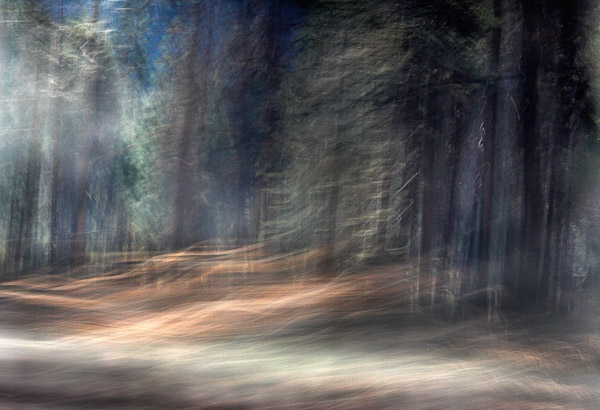
This week, I learned an important lesson. I was scrambling to get ready for a show at PhotoCentral. I was going to print out Foxfire for the wall at 11×16.5". I had accidentally saved a web sized version over the original (processed) image. Well, I thought no problem. I have the digital raw file and I will just re-process the image. Well, two hours later and 5 versions later. I realized that I could not reproduce my original processing even though I knew that I had done it quickly that night in Yosemite being very tired. This second version took hours to do and required about 30 adjustment layers to achieve. I do like it better than my original processing but… I am reconsidering flattening my processed images with the belief that I can re-create the processing.
To see the original processed version roll the mouse over the image.


I have learned from a similar experience to save repeatedly using layers and only flattening a duplicate of what becomes the final image, leaving the original image with layers intact, especially when I am in a hurry. I may know the process but sometimes you just cannot duplicate previous work. Changing any parameter or the sequence in which you do someting will change the result.
When I first started working in Photoshop, computers would often crash, and the accepted phrase of the time was, ‘It’s always easier the second time…’
I like your second version better because of the increased detail in both shadow and highlight areas. I stumbled upon your blog while looking for an answer to another problem. I have found revisiting old photos after a few years also results in different images because of the improvements in software.
LikeLike